![POSPRO logo.jpg]](https://thepospro.com/hs-fs/hubfs/POSPRO%20logo.jpg?height=40&name=POSPRO%20logo.jpg)
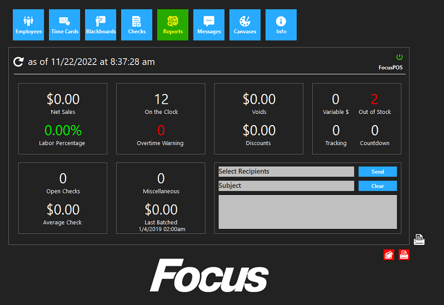
From the back office
1. Click / Touch Reports
2. Click / Touch Payroll
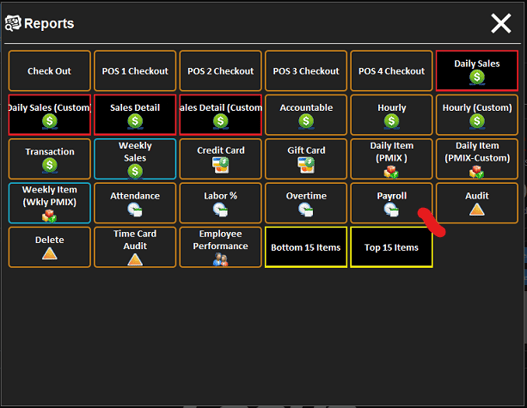
By default the date range will be your current pay period.
3. You can change the date range if you want a different pay period or certain days. You can also select certain jobs, or just one employee.
4. Click / Touch ok
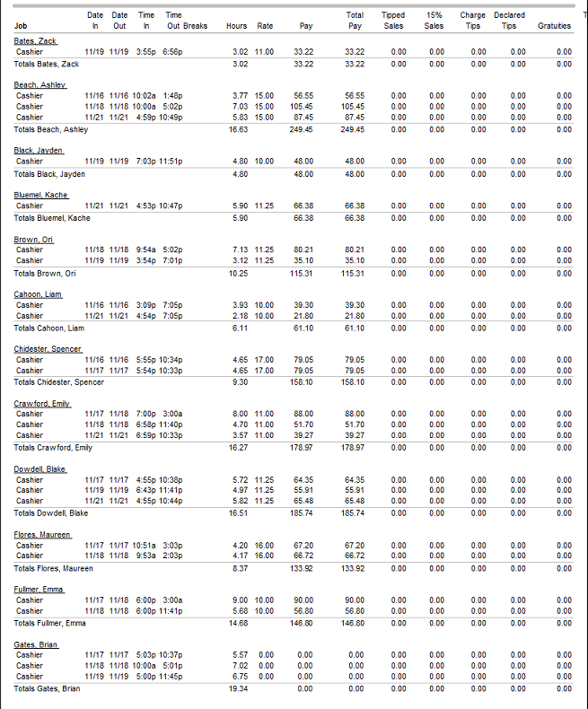
Sample Report